Interactions Correctly?


10 Best Marketing Analytics Tools for 2026: Features & Comparison


Know Exactly Where Your Analytics Tracking Fails
Marketing analytics tools help you connect campaign activity with customer behavior and business outcomes. This 2026 comparison covers ten options for website and app measurement, CRM-linked reporting, experience analysis and dashboards, so you can choose the capabilities your team needs.
- Who are your high-value audiences?
- How do they interact with your content?
- What keeps them engaged and converting?
Using several tools without consistent campaign names, event definitions and customer identifiers can fragment reporting. Before expanding your stack, identify which decisions your current measurement cannot support.
Compare the platforms below by use case, pricing model, attribution requirements and available AI features. A tool that suits product retention analysis may not be the right choice for campaign-to-revenue reporting.
Below is a list of the best marketing analytics tools.
Who Is This For?
This guide is designed for marketers, business owners, and growth strategists looking to improve customer acquisition using data-driven insights. Whether you’re a solopreneur, a small business, or part of a larger team, the right marketing analytics tools can help you identify high-value customers, optimize engagement, and drive conversions.
For teams managing marketing at scale, this guide also covers enterprise measurement and reporting options. Feature depth, implementation effort and cost depend on the product and subscription, so compare each against the same business requirements.
How We Created This List?
This guide compares tools by their documented capabilities and intended use cases. It is a practical shortlist, rather than a benchmark ranking or a claim that every platform has been tested under identical conditions.
The comparison considers reporting scope, usability, integrations, attribution, deployment and total operating cost. Use your own data and a representative task to validate the shortlist before buying.
For this 2026 revision, product names and selected feature claims were checked against official vendor documentation. Confirm the exact edition, availability and commercial terms during evaluation.
What Are Marketing Analytics Tools / Software?
Marketing analytics tools collect, connect or analyze data about marketing activity and customer outcomes. They help teams evaluate acquisition, engagement, conversions and revenue across the channels and systems that have been configured for measurement.
Some platforms collect website or app events; others analyze CRM records, replay digital sessions or visualize prepared data. Reporting freshness, cross-channel coverage and attribution depend on the implementation and connected sources.
From tracking customer behavior to measuring campaign performance, marketing analytics platforms have a lot to offer. Here’s a sneak peek into its capabilities.
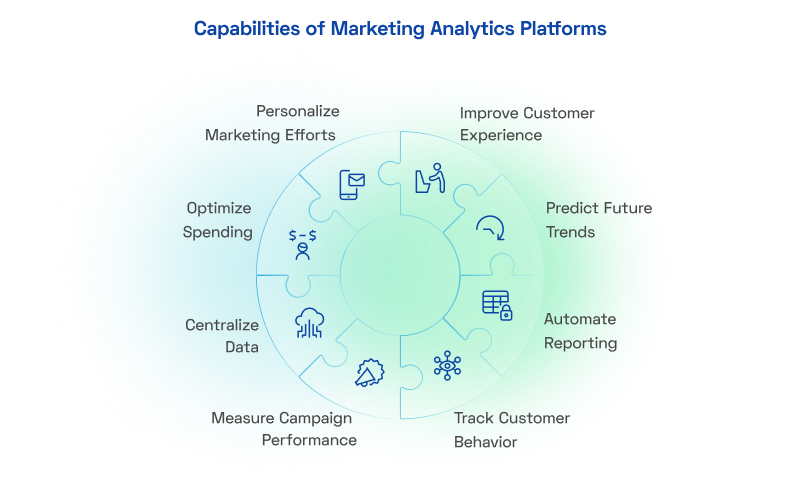
With a variety of analytics tools available, each tailored to different aspects of marketing, it’s crucial to understand their unique capabilities. Let’s explore the types of marketing analytics tools that can help businesses achieve their goals.
Types of Marketing Analytics Tools, Software & Solutions
To make smarter, data-driven decisions, marketers need different types of analytics tools—each built for a specific function.
Below are five common categories to consider when choosing marketing analytics software in 2026. The shortlist also includes product analytics, experience analytics and business intelligence tools, which serve different measurement tasks.
1. Web Analytics Tools
Web Analytics Tools help marketers track website traffic, user behavior, and conversion metrics. Web analytics tools like Google Analytics provide a deep dive into website performance, offering insights into:
- Traffic trends: Understand where your visitors come from (organic, paid, social).
- User behavior: Monitor page views, session duration, and bounce rates to enhance user engagement.
- Conversion metrics: Evaluate the success of CTAs, landing pages, and checkout processes.
By analyzing how visitors interact with your website, marketers can identify roadblocks, improve user experience, and boost conversion rates.
2. Social Media Analytics Tools
Social Media Analytics Tools allow marketers to analyze their social media performance. Platforms like Hootsuite and Sprout Social enable you to analyze:
- Engagement levels: Likes, shares, comments, and reactions on posts.
- Audience insights: Demographics, behavior, and preferences.
- Trends: Identify high-performing content and optimize your strategy.
Social media analytics allow you to tailor campaigns that resonate with your audience, enhancing reach and ROI.
3. Email Marketing Analytics Tools
Email Marketing Analytics Tools provide metrics such as open rates, click-through rates, and conversion rates. Platforms like Mailchimp and Constant Contact track essential metrics:
- Open rates: How often recipients open your emails.
- Interpret email opens alongside clicks and downstream outcomes; an open signal is not proof that a person read the message.
- Click-through rates (CTR): Engagement with embedded links.
- Conversion rates: Emails leading to purchases or sign-ups.
These tools help fine-tune email campaigns, ensuring the right message reaches the right audience at the right time.
4. Customer Relationship Management (CRM) Tools
Customer Relationship Management (CRM) Tools enable marketers to manage customer interactions and analyze customer behavior. Solutions like Salesforce CRM and HubSpot CRM excel at:
- Data storage: Centralize customer interactions and preferences.
- Behavior analysis: Track customer journeys to predict future needs.
- Segmentation: Group customers based on behavior and demographics.
CRM analytics allow for personalized communication and long-term relationship-building, driving loyalty and higher lifetime value.
5. Marketing Automation Platforms
Marketing Automation Platforms combine automation with analytics to streamline tasks like email campaigns and lead nurturing. Tools like Marketo and HubSpot combine automation with robust analytics, offering:
- Workflow optimization: Automate repetitive tasks like email follow-ups.
- Performance tracking: Measure campaign success with detailed reports.
- Personalization: Deliver tailored content based on user data.
By automating processes and analyzing outcomes, marketers can improve efficiency, deliver targeted messaging, and enhance ROI.
Marketing Analytics Tools: Quick Comparison
| Tool | Best-fit measurement task | Pricing model / selection check |
|---|---|---|
| Google Analytics 4 / 360 [1–3] | Website and app acquisition, events and funnels | Standard GA4 is free; 360 is paid. Higher limits and support are separate from predictive eligibility. |
| Adobe Analytics [4][5] | Enterprise digital behavior, segmentation and attribution | Paid enterprise offering. Compare Customer Journey Analytics separately for an AEP-based cross-channel use case. |
| HubSpot Analytics [6][7] | CRM-linked campaign, contact and deal reporting | Subscription-dependent. Deal Create and Deal Revenue Attribution require Marketing Hub Enterprise. |
| Contentsquare, formerly Hotjar [8][9] | Heatmaps, recordings, feedback and journey friction | Free and paid options; confirm session limits, retention and included modules. |
| Tableau [10] | Dashboards combining prepared marketing and business data | Paid role/deployment-based licensing. Requires source data and an agreed reporting model. |
| HCL Discover+ [11] | Session replay and digital experience investigation | Request a deployment-specific quote; plan capture, masking and administration. |
| Salesforce Marketing Intelligence / MCI+ [12] | Connected campaign data, marketing dashboards and optimization | Organization-level analytics licensing; confirm Data 360, usage credits and platform access. |
| Matomo [13] | Web analytics with a self-hosting option | Free open-source core for On-Premise; hosting, operations and premium features may cost extra. |
| Kissmetrics [14] | Customer funnels, cohorts and retention analysis | Confirm current plan, event volume, identity requirements and connectors with the vendor. |
| Mixpanel [15][16] | Product events, funnels, cohorts and retention | Free and paid options; compare event-volume allowances and feature limits. |
Quick shortlist: evaluate GA4 for website and app acquisition, HubSpot for CRM-linked reporting, Adobe Analytics for complex digital analysis, Tableau for combined dashboards, and Mixpanel for product retention. Choose against the task and data you need, rather than a universal ranking.
Use the comparison to shortlist tools that solve the same problem. Website measurement, CRM reporting, session replay and dashboards are complementary capabilities; they are not interchangeable. Validate your required integrations and reporting definitions before treating any platform as a complete marketing measurement solution.
Get your marketing stack working together
We connect web analytics, CRM, email and automation platforms with shared definitions, so campaign data flows into reports your teams can rely on.
10 Marketing Analytics Tools, Platforms & Software to Compare in 2026
The platforms below support different parts of marketing measurement. Some analyze events directly, while others need connected campaign, CRM or warehouse data. Start with the outcome you want to measure, then check whether the tool collects, connects or reports the required data.
Here are ten platforms to consider, with practical use cases and selection tradeoffs.
Google Analytics 4 and Analytics 360

Google Analytics 4 measures configured website and app events. Standard GA4 is free; Analytics 360 is the paid enterprise version with higher limits and additional service commitments. Choose 360 for requirements that exceed standard GA4, rather than assuming all advanced measurement requires a paid property
Enterprise Use Cases:
- Customer Journey Analysis: Investigate configured website and app interactions. Cross-device analysis depends on available identity signals and implementation.
- Campaign Performance: Compare acquisition and attributed conversions using defined campaign parameters and attribution settings. Revenue reporting alone is not a calculation of profit-based ROI.
- Big Data Analysis: Export data to Google BigQuery for large-scale analysis and predictive modeling.
Analytics 360 provides higher limits than standard GA4 for selected features. Its service commitments do not make all reports instantaneous: processing time varies by report and dataset. BigQuery export is also available for standard GA4, so confirm the limits and freshness needed for your workload.
| Strength to evaluate | Selection consideration |
|---|---|
| Higher limits and enterprise service commitments for GA4 workloads. [1] | Paid licensing and implementation expertise; test whether standard GA4 already meets the requirement. |
Adobe Analytics
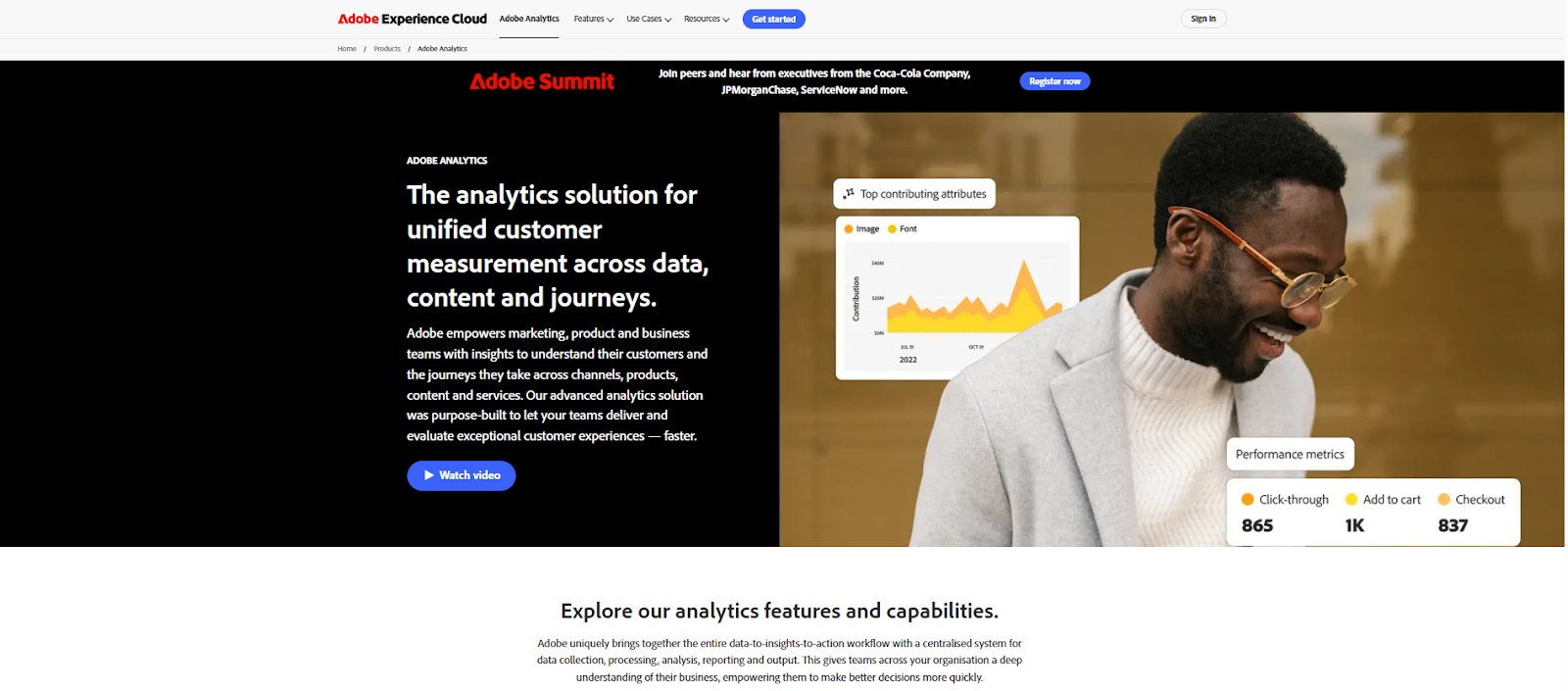
Adobe Analytics supports enterprise digital behavior analysis, segmentation and attribution. For an Adobe Experience Platform-based view combining online and offline datasets, evaluate Customer Journey Analytics separately. Treat the products and their implementation requirements as distinct parts of an Adobe measurement architecture.
Planning an Adobe Analytics or CJA implementation?
Xerago helps design taxonomy, dimensions and data connections for Adobe Analytics and Customer Journey Analytics, aligned to the questions your teams need answered.
Enterprise Use Cases:
- Digital Behavior Analysis: Analyze implemented website and app interactions and configured dimensions. Evaluate Customer Journey Analytics separately for broader connected-data journeys.
- Personalization Insights: Use behavioral analysis to inform audience and experience decisions; delivering personalized experiences requires an activation or testing capability.
- Attribution: Compare how supported models distribute conversion credit. Model-based credit is not proof that a channel caused a sale.
Adobe Analytics includes anomaly detection and analytical assistance for investigating unexpected changes. Do not treat anomaly detection as equivalent to purchase prediction, or assume that it automatically deploys personalized experiences.
| Strength to evaluate | Selection consideration |
|---|---|
| Flexible digital segmentation and attribution for an implemented enterprise dataset. [4] | Implementation, taxonomy and analyst training; evaluate cross-channel CJA requirements separately. |
HubSpot Analytics
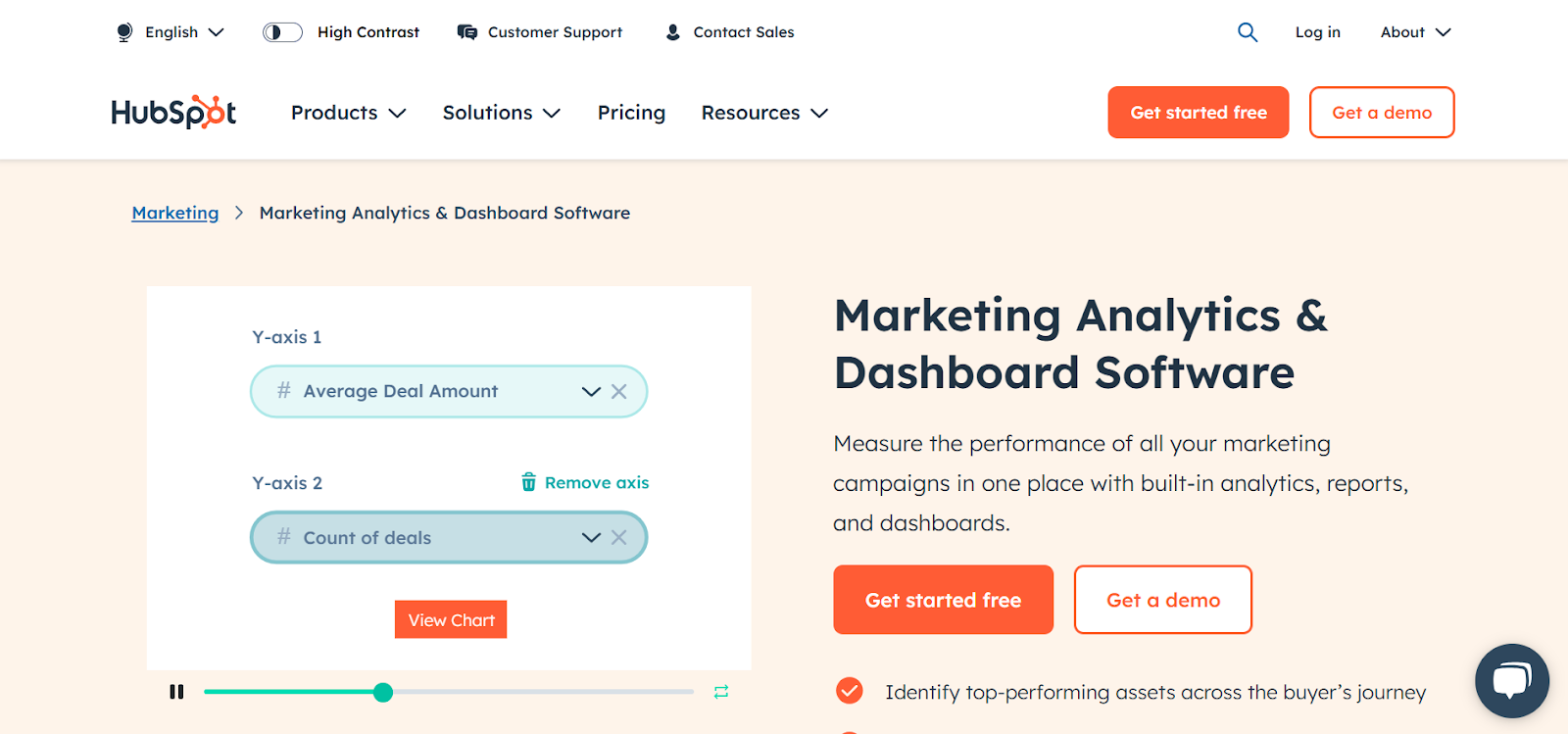
HubSpot integrates marketing, sales, and CRM analytics, offering a simple yet effective way to track user behavior and campaign performance. Enterprises use it for lead tracking, nurturing, and understanding conversion rates.
Enterprise Use Cases:
- Inbound Marketing: Monitor the performance of blogs, social media, and email campaigns.
- CRM Integration: Align marketing data with sales pipelines for end-to-end customer insights.
- Lead Attribution: Compare which measured interactions receive credit for creating contacts and deals, and connect campaign reporting with the appropriate CRM outcomes.
HubSpot’s current attribution report names are Contact Create Attribution, Deal Create Attribution and Deal Revenue Attribution. Deal Create and Deal Revenue Attribution require Marketing Hub Enterprise; confirm the report type and subscription before shortlisting.
| Strength to evaluate | Selection consideration |
|---|---|
| Campaign and CRM reporting in a shared HubSpot environment. [6] | Advanced attribution is subscription-dependent and relies on clean contact/deal associations. |
Contentsquare, formerly Hotjar

Hotjar is now Contentsquare. The current offering includes the heatmaps, recordings and surveys associated with Hotjar, alongside broader experience analysis capabilities. Evaluate the current Contentsquare plans rather than reuse historical Hotjar pricing.
Enterprise Use Cases:
- UX Investigation: Use recordings, heatmaps and feedback to investigate possible reasons for friction or abandonment; observed behavior does not establish every visitor’s motivation.
- Conversion Funnel Analysis: Identify roadblocks in the user journey.
- Feedback Collection: Use surveys to gather direct input from users.
Check whether the selected Contentsquare plan includes the funnels, session allowances and retention period you need. Behavioral evidence complements campaign and revenue reporting rather than replacing it.
| Strength to evaluate | Selection consideration |
|---|---|
| Visual behavior evidence and direct user feedback. [8] | Plan-specific session limits and features; campaign ROI still needs spend and revenue data. |
Tableau
Tableau is a leading data visualization and business intelligence platform. The platform helps transform raw data into interactive, shareable dashboards and actionable insights. It supports integration with a wide range of data sources, enabling enterprises to visualize and analyze complex datasets effectively.
Enterprise Use Cases:
- Interactive Dashboards: Build charts and reports from connected data; freshness depends on source availability and the connection or refresh configuration.
- Forecasting and Analysis: Evaluate supported analytical features for the selected Tableau product and dataset. Forecasts require suitable data and review.
- Cross-Departmental Collaboration: Share dashboards securely across teams to foster data-driven collaboration.
- Data Integration: Combine data from various sources, including cloud platforms, databases, and spreadsheets, into a unified view.
| Strength to evaluate | Selection consideration |
|---|---|
| Interactive visualizations and sharing across connected business data. | Data preparation, licensing and governance require planning. Ask Data was retired in Tableau Cloud in February 2024 and Tableau Server 2024.2; remove it as a current feature. |
HCL Discover+
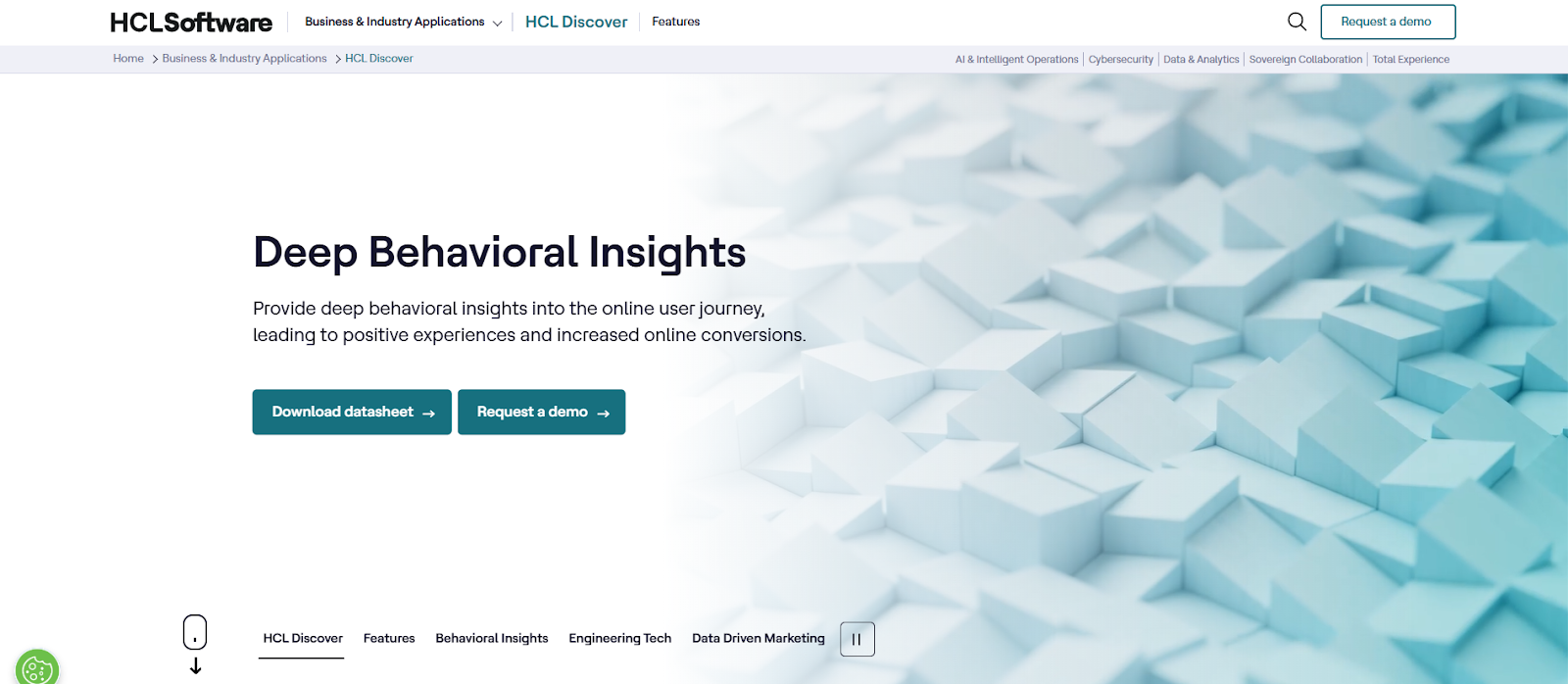
HCL’s current product page presents Discover+, with session replay, behavior analysis and AI-powered session summaries. Use it to examine friction and technical issues in captured customer sessions, and confirm the capabilities available in your deployment.
Enterprise Use Cases:
- Customer Experience Management: Understand individual customer sessions to optimize their journeys.
- Issue Investigation: Review captured sessions and errors to investigate website friction and prioritize fixes.
- Behavior Analysis: Look for patterns associated with failed tasks or abandonment in the captured sessions.
Session replay can help investigate where customers encounter friction. Validate a suspected cause against other evidence before claiming that the tool has identified the exact reason for every drop-off.
| Strength to evaluate | Selection consideration |
|---|---|
| Captured-session investigation for digital experience issues. [11] | Plan capture, masking, administration and enough analytical expertise to validate suspected causes. |
Salesforce Marketing Intelligence and Marketing Cloud Intelligence+
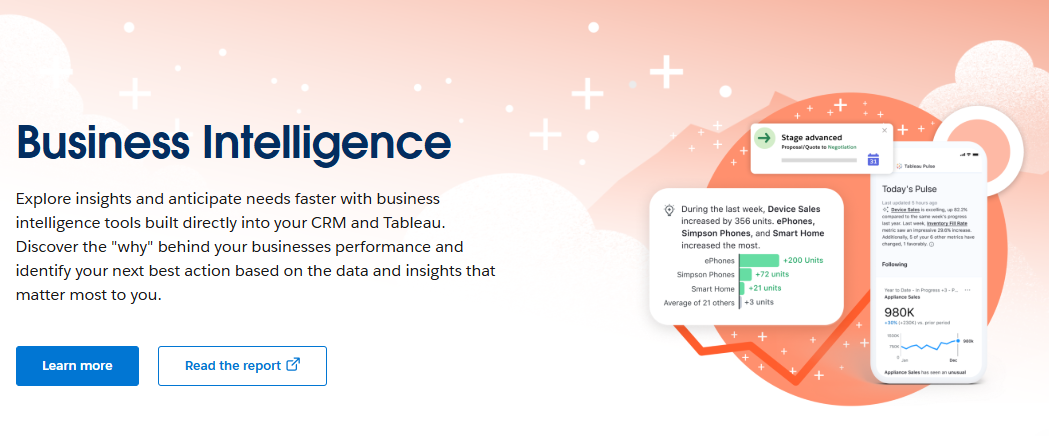
For marketing-specific reporting, compare Salesforce Marketing Intelligence and Marketing Cloud Intelligence+ rather than the generic Salesforce CRM product. The current offerings combine connected marketing data, dashboards and supported AI or agentic capabilities; their licensing is separate from a basic CRM seat.
Enterprise Use Cases:
- Connected Marketing Data: Harmonize configured campaign and business data for marketing reporting.
- Marketing Campaign Analysis: Measure the impact of multi-channel campaigns.
- Supported Optimization: Evaluate the included AI and Agentforce capabilities against your campaign workflow and approval requirements
Confirm Data 360 requirements, platform access, credits and any additional Tableau or feature costs. Marketing Cloud Intelligence continues to be supported; the newer offering does not mean the existing product has been discontinued.
| Strength to evaluate | Selection consideration |
|---|---|
| Marketing-specific data harmonization and supported optimization capabilities. [12] | Organization-level licensing and platform/data dependencies; confirm included credits and add-ons. |
Matomo
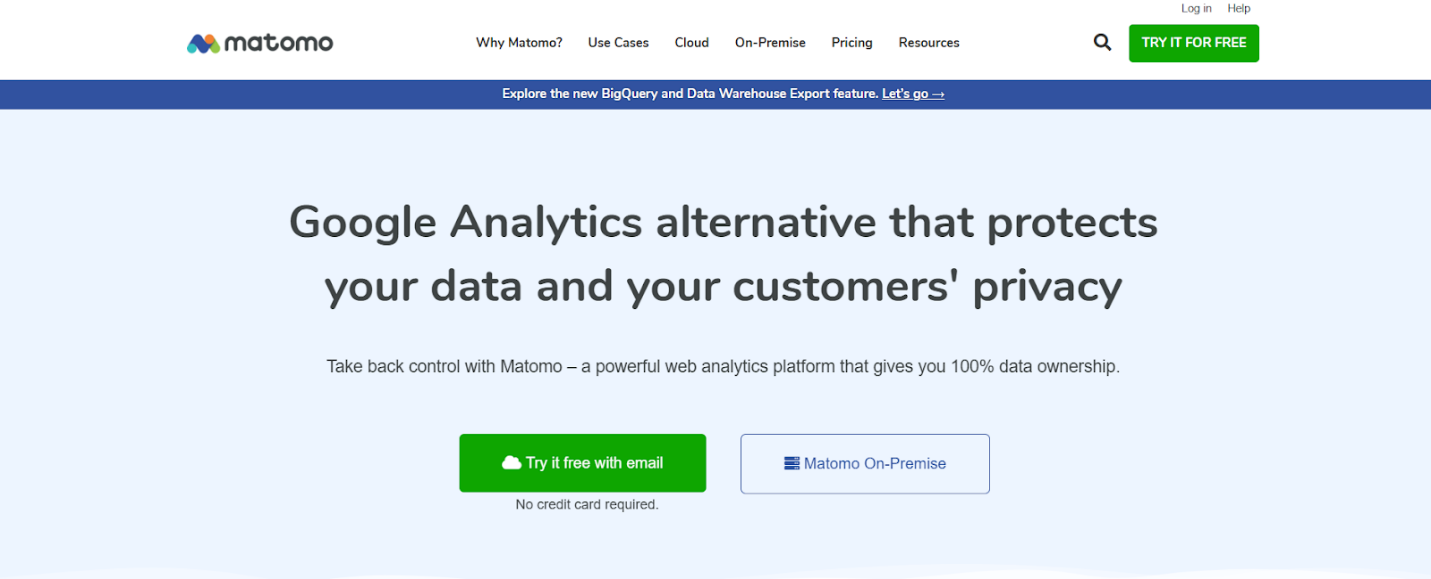
Matomo is a web analytics platform with a free open-source On-Premise core and a cloud offering. Self-hosting gives organizations responsibility for their hosting and configuration. Review collection, access, retention and consent requirements for your actual deployment instead of treating the product name as an automatic compliance guarantee.
Enterprise Use Cases:
- Privacy-Oriented Deployment: Evaluate collection settings, consent handling and data storage for your organization’s requirements.
- Customizable Dashboards: Tailor analytics to business needs.
- Self-Hosting Options: Retain complete control over data.
Over 1.4 million websites use Matomo for analytics, making it one of the most trusted platforms for privacy-conscious businesses.
| Strength to evaluate | Selection consideration |
|---|---|
| Self-hosting option and control over deployment decisions. [13] | On-Premise hosting, security, maintenance and configuration are operational responsibilities. |
Kissmetrics
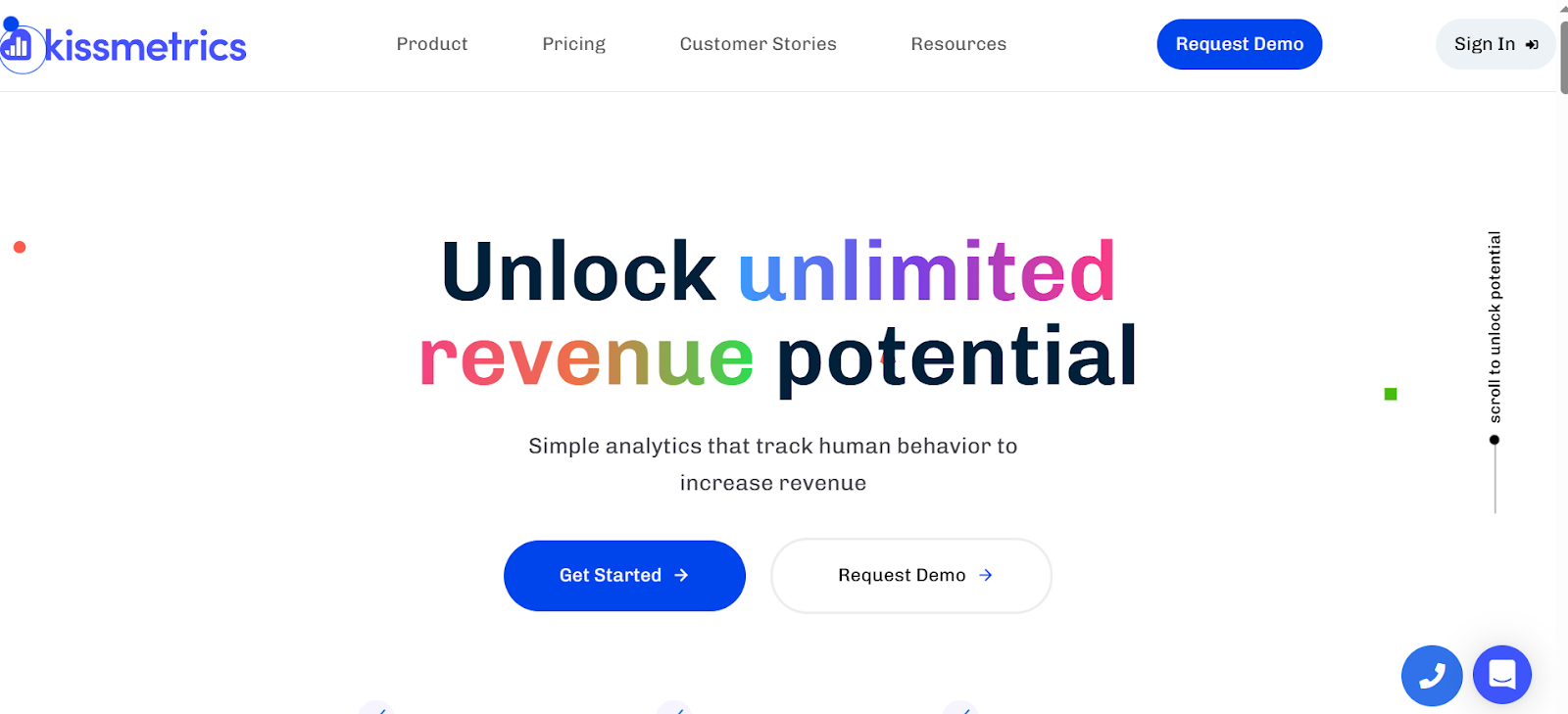
Kissmetrics focuses on customer behavior analytics and cohort analysis, enabling enterprises to track user retention, churn, and lifetime value. It is popular among SaaS and eCommerce businesses.
Enterprise Use Cases:
- Customer Retention Analysis: Identify churn trends and implement retention strategies.
- Conversion Tracking: Optimize funnels for better results.
- Cohort Analysis: Understand user behavior over time.
| Strength to evaluate | Selection consideration |
|---|---|
| Customer-level funnels and cohort analysis for retention questions. | Validate identity rules, volume, integrations and current commercial terms before selecting. |
Mixpanel
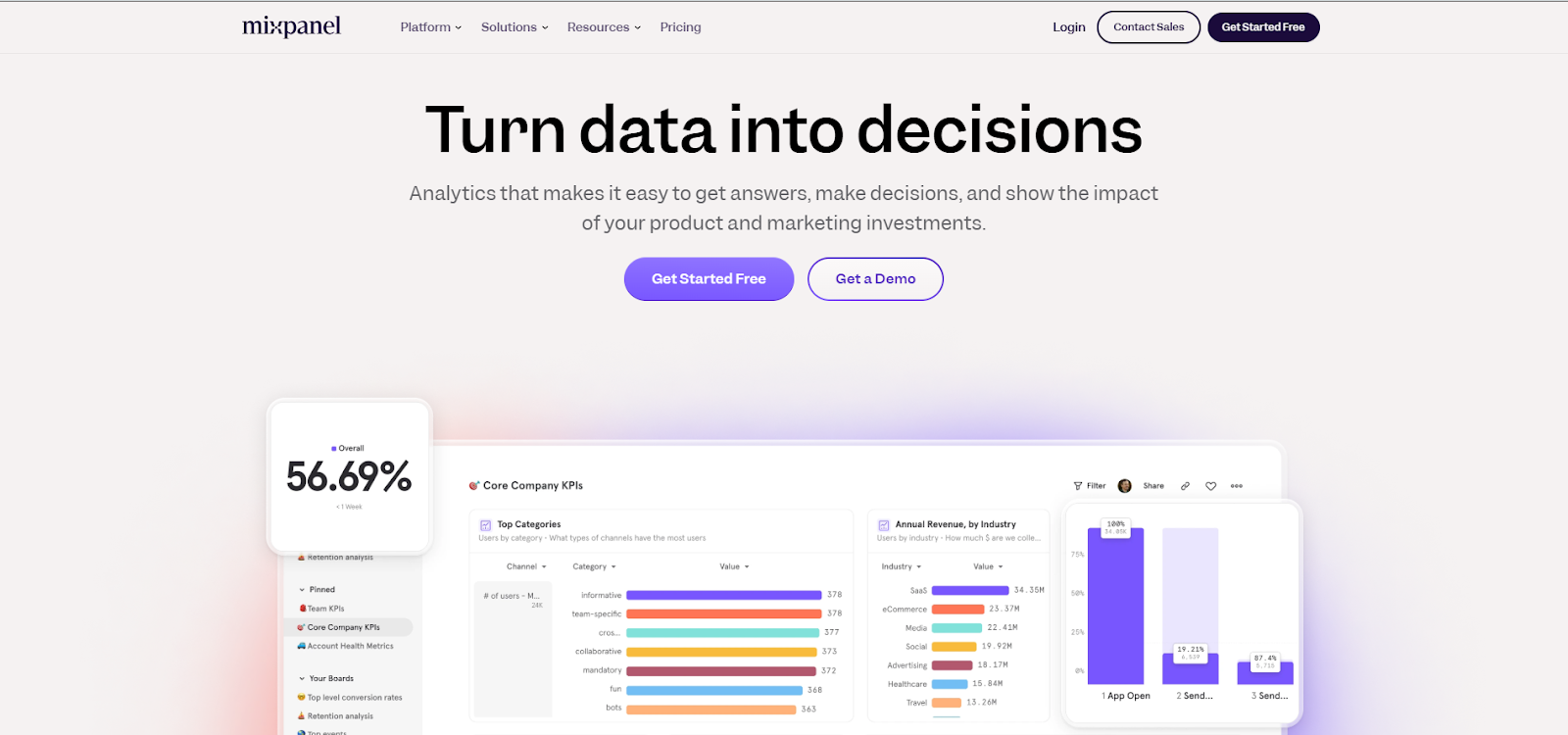
Mixpanel specializes in product analytics, helping enterprises understand how users interact with their digital products. It provides event tracking, cohort analysis, and retention metrics.
Enterprise Use Cases:
- Product Usage Analysis: Track user interactions within apps or websites.
- Cohort Analysis: Group users by behavior for targeted marketing.
- Retention Metrics: Analyze which features keep users engaged.
| Strength to evaluate | Selection consideration |
|---|---|
| Event-based funnels, cohorts and retention analysis. | Requires a consistent event taxonomy and identity model; campaign profit reporting needs additional cost and revenue definitions. |
Which Platforms Support Predictive Marketing Analytics?
Prediction, AI-assisted scoring, anomaly detection and campaign automation answer different questions. Compare the capability needed for your decision rather than use “AI-powered” as a single selection criterion.
| Platform | Capability to evaluate | Requirement or limitation |
|---|---|---|
| Google Analytics 4 | Purchase probability, churn probability and predicted revenue | Availability depends on eligible events, sufficient positive/negative examples and sustained model quality. |
| HubSpot | AI-assisted contact engagement and fit scoring | Marketing Hub Enterprise. The model recommends scoring criteria from account data; this is not a universal revenue forecast. |
| Salesforce | Marketing Intelligence AI and agentic campaign optimization | Confirm the exact edition, connected data, access and credits. CRM lead prediction and sales forecasting are separate requirements. |
| Adobe Analytics | Anomaly detection and analytical investigation | Unexpected change detection differs from purchase prediction. Specify separate Adobe products where another predictive use case is needed. |
| Marketo Engage | Predictive Content for content relevance | Check feature access and eligible content channels. Content recommendations are not the same as forecasting revenue. |
For example, a retailer estimating likely purchasers and a B2B team prioritizing contacts need different models and outcomes. Validate the data, evaluate results against a baseline, and review where predictions may fail before using them to change spend.
Which Marketing Analytics Tools Help Measure ROI?
| Platform | Useful reporting role | What must be connected |
|---|---|---|
| GA4 / 360 | Acquisition, configured conversions and attributed revenue | Campaign parameters and revenue events; add cost and margin data for profit-based ROI. |
| HubSpot | CRM-linked contact, deal and revenue attribution | Clean contacts, deals and interactions; Enterprise for deal/revenue attribution. |
| Adobe Analytics / CJA | Digital attribution, or connected cross-channel analysis in CJA | Implemented digital events; appropriate AEP datasets and identifiers for CJA. |
| Tableau | Combined marketing and finance reporting | Prepared spend, revenue and cost data with common definitions; Tableau is a reporting layer. |
ROAS compares attributed revenue with advertising spend. Profit-based marketing ROI compares incremental contribution after marketing cost with that cost. A simple example: ₹100,000 in marketing spend and ₹150,000 in incremental contribution before that spend gives 50% ROI. If the campaign also has ₹500,000 in attributed revenue, its ROAS is 5x; the two metrics answer different questions. Attribution allocates credit, while an incrementality test helps assess causal lift.
How to Measure Offline Marketing Outcomes
Start with an outcome such as a qualified lead, booked appointment or in-store sale. Capture campaign-specific QR codes, promotional codes or call references where appropriate, and store permitted campaign identifiers with the CRM or transaction record. Connect the record to your reporting system, deduplicate outcomes and allow for the delay between enquiry and sale.
For paid search, Google Ads offline imports can connect later outcomes with earlier ad clicks or calls. Enhanced conversions for leads can supplement matching with permitted user-provided data. This does not measure every offline exposure or match every sale.
2026 implementation check: Google announced changes to offline conversion and enhanced-conversion uploads starting June 15, 2026, including migration to the Data Manager API and legacy-access conditions. Check the current upload route and eligibility before relying on an older Google Ads API integration.
For reporting, reconcile matched conversions with CRM and finance totals and show unmatched outcomes separately. Keep the conversion definition, attribution window and campaign naming consistent so discrepancies are visible instead of hidden in an “all channels” total.
How to Choose the Right Marketing Analytics Tools for Better Insights?
However, choosing the right platform can be a challenge. With options ranging from Adobe Analytics’ robust capabilities to the simplicity of Google Analytics, the decision often depends on your business goals and budget. Here's a step-by-step guide to help you choose the right marketing analytics solutions for your business.
1. Identify Your Analytics Needs
Start by defining the type of insights your business requires:
- Descriptive Analytics – Understand past performance (e.g., Google Analytics)
- Predictive Analytics – Forecast trends using AI-powered tools
- Prescriptive Analytics – Recommend an action based on defined objectives and constraints; check whether the tool supports recommendations, workflow execution or reporting only.
2. Evaluate Automation Capabilities
Look at each tool’s automation strengths:
- Data Integration – Connect data from multiple sources
- Report Generation – Automate regular performance updates
- Campaign Workflows – Confirm which actions the selected product can automate, which integrations are required and where human review is needed.
3. Define Desired Insights
Clarify what outcomes you're targeting:
- Campaign-to-Pipeline Reporting → Evaluate CRM-linked reporting such as HubSpot or the relevant Salesforce analytics product.
- Customer Behavior Analysis → Google Analytics, Mixpanel
- Digital Journey Investigation → Evaluate Adobe Analytics, with separate testing or activation capabilities where needed.
4. Set a Realistic Budget
Match tools to your budget without compromising on essentials:
- No-cost starting points: standard GA4, Contentsquare’s free option and Matomo’s open-source On-Premise core. Compare the limits and operating costs, not just the software price
- Paid requirements: Analytics 360, advanced HubSpot reporting, Adobe Analytics and Salesforce marketing analytics have product-specific commercial terms. Include implementation, connectors, hosting and ongoing support.
A pricing tier alone does not establish suitability. Request a quote based on your data volume, users, reporting needs and required integrations.
5. Assess Scalability and Flexibility
Choose tools that adapt to your business size and future growth:
- SMBs: Google Analytics, HubSpot
- Enterprises: Adobe Analytics, Salesforce
6. Review User Experience and Support
Pick platforms that are intuitive and backed by solid support. A clean UI and reliable helpdesk reduce onboarding friction and boost efficiency.
7. Seek Recommendations and Reviews
Explore customer reviews, testimonials, and peer feedback to understand real-world performance and reliability before making a decision.
Run a representative evaluation: connect one campaign source and the relevant CRM or transaction data, reconcile a sample outcome, build a report and ask the intended users to investigate a discrepancy. Record setup time, required skills, refresh delay and ongoing ownership.
Run a tool evaluation with real data
We help you test a shortlist against one campaign source and your CRM data, reconcile outcomes and measure setup effort before you commit.
Conclusion
To wrap up, success comes from using data-driven insights to achieve real results. Throughout this blog, we've seen how marketing analytics tools enable marketers to understand customer behavior, optimize campaigns, and fuel business growth.
Choose the platform that helps your team answer a defined measurement question. For 2026, compare current product availability, CRM and offline integration, attribution limits and the data required for AI features before expanding your stack.
1. Why do businesses need marketing analytics tools?
Marketing analytics tools help businesses track customer behavior, measure campaign performance, and optimize strategies based on data-driven insights. They enable better decision-making by providing a clear picture of what works and what doesn’t in marketing efforts.
2. What is the difference between web analytics and marketing analytics?
Web analytics focuses on tracking website traffic, user interactions, and conversions, while marketing analytics provides a broader view, integrating data from multiple channels like email, social media, and paid advertising to measure overall campaign effectiveness.
3. Which marketing analytics tools are best for startups?
Start with standard GA4 for website and app measurement. If the question is page friction, compare Contentsquare’s free option; if self-hosting is a priority, evaluate Matomo On-Premise. CRM and revenue reporting may need a separate paid product or integration. Free software still requires configuration and ongoing maintenance.
4. How do AI-powered marketing analytics tools improve decision-making?
AI capabilities serve different tasks: GA4 offers eligible predictive metrics, HubSpot supports AI-assisted contact scoring for Marketing Hub Enterprise, and Adobe Analytics includes anomaly detection. Confirm the data requirements and product access instead of assuming every AI feature forecasts customer behavior or automatically improves performance.
5. Can marketing analytics tools track offline campaigns?
Yes, when the required data is captured and connected. Store campaign identifiers with CRM leads or transactions, define qualified-lead and sale outcomes, and use a supported offline conversion import or reporting integration. Google Ads supports imports for offline outcomes following ad interactions. Unmatched purchases and untracked exposure remain measurement gaps
6. What is cookieless tracking, and why is it important for marketing analytics?
Cookieless tracking can refer to several approaches, so specify which identifiers a setup actually uses. Removing third-party cookies does not remove the need to review consent, data collection and retention. Server-side measurement and first-party data also need appropriate configuration; they do not provide an automatic compliance guarantee.
7. How do marketing analytics tools integrate with other business software?
Integration options include native connectors, APIs, scheduled imports and warehouse pipelines. Check the exact products supported, identifiers, sync frequency, deduplication and subscription requirements. A connector alone does not guarantee complete customer journeys or consistent metric definitions.
8. What should businesses consider when choosing a marketing analytics tool?
Key factors include ease of use, integration capabilities, automation features, pricing, scalability, and compliance with data privacy laws. Businesses should also evaluate whether a tool offers real-time reporting, cross-channel tracking, and AI-driven insights to support future growth.

9. Are Free Marketing Analytics Tools Enough?
They can be enough for a defined measurement task. Standard GA4 supports web and app measurement without Analytics 360 licensing, and Matomo offers a free open-source On-Premise core. Paid software may be needed for advanced CRM attribution, enterprise limits, support or additional experience features. Include configuration, hosting and maintenance in the decision.
10. Do Marketing Analytics Tools Report in Real Time?
Some provide a recent-event or live view, while other reports rely on processing, imports or scheduled refreshes. Check the actual delay for the report and source you will use. In GA4, freshness varies; a real-time view should not be treated as identical to fully processed attribution or revenue reporting.
Ram Prabhakar
Head of Solutions and Content
Xtelligence Inbox.
Your weekly dose of marketing smarts!
Related Posts